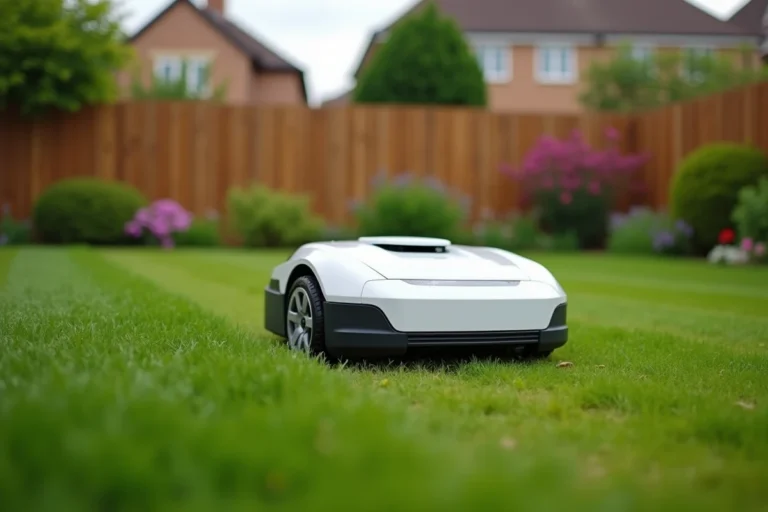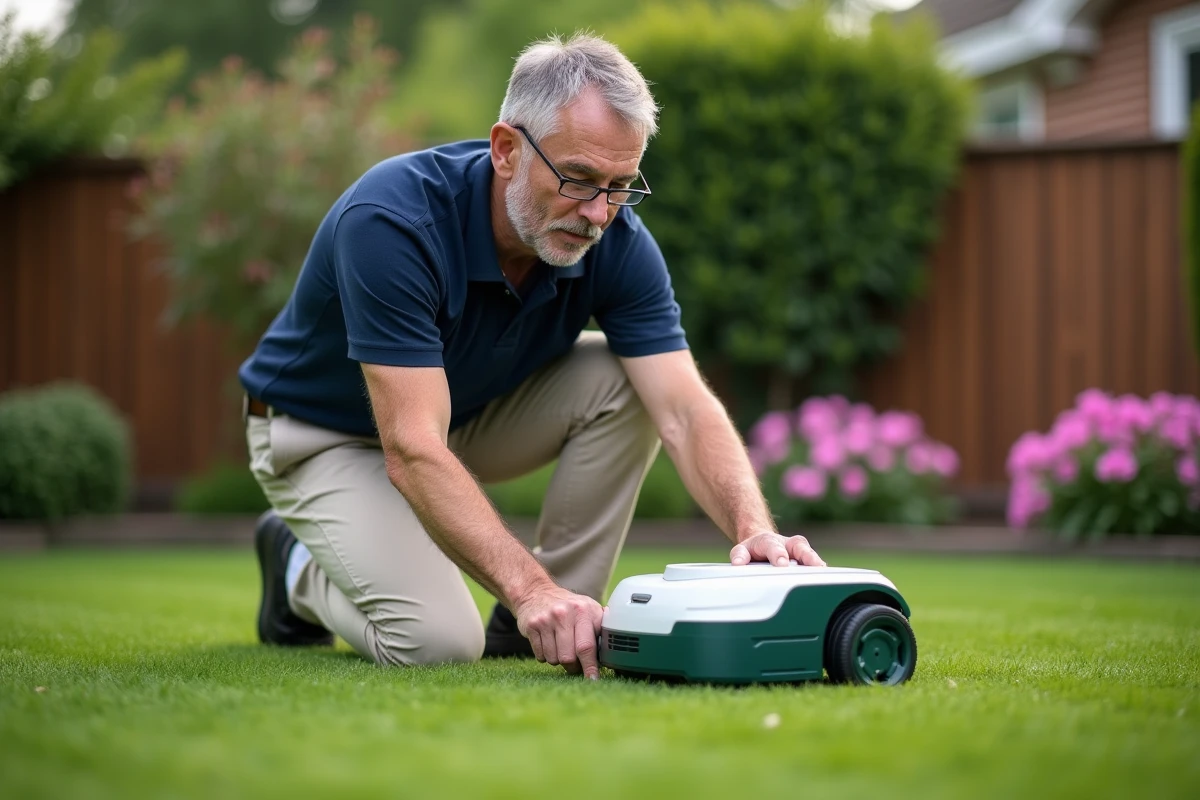
A Parkside robotic mower that refuses to start, displays a persistent error code, or gets stuck on the lock screen often leads one to seek a quick solution on a forum. The problem is that the reset procedures shared online rarely correspond to the exact model in question. Maintenance menus and firmware vary from generation to generation at Parkside, even when the outer casing looks identical.
Identify the exact reference before any manipulation on a Parkside robot
The first mistake is to apply a tutorial found randomly without checking its correspondence with your device. At Parkside, models sold through Lidl carry specific codes (PAMRS, PRAA, PRMA followed by a number and a letter of the series). Each reference may have a different firmware, with menu paths that do not overlap.
The complete reference is found on the label stuck under the hood or on the base of the robot. The EAN code, printed on the original box, also helps to eliminate any ambiguity. Without this verification, a manipulation intended for an earlier model can cause additional blockage or erase configuration data without solving the initial problem.
Before attempting anything, it is useful to know how to reset a Parkside robotic mower by following a procedure suited to its device generation, rather than a generic guide.
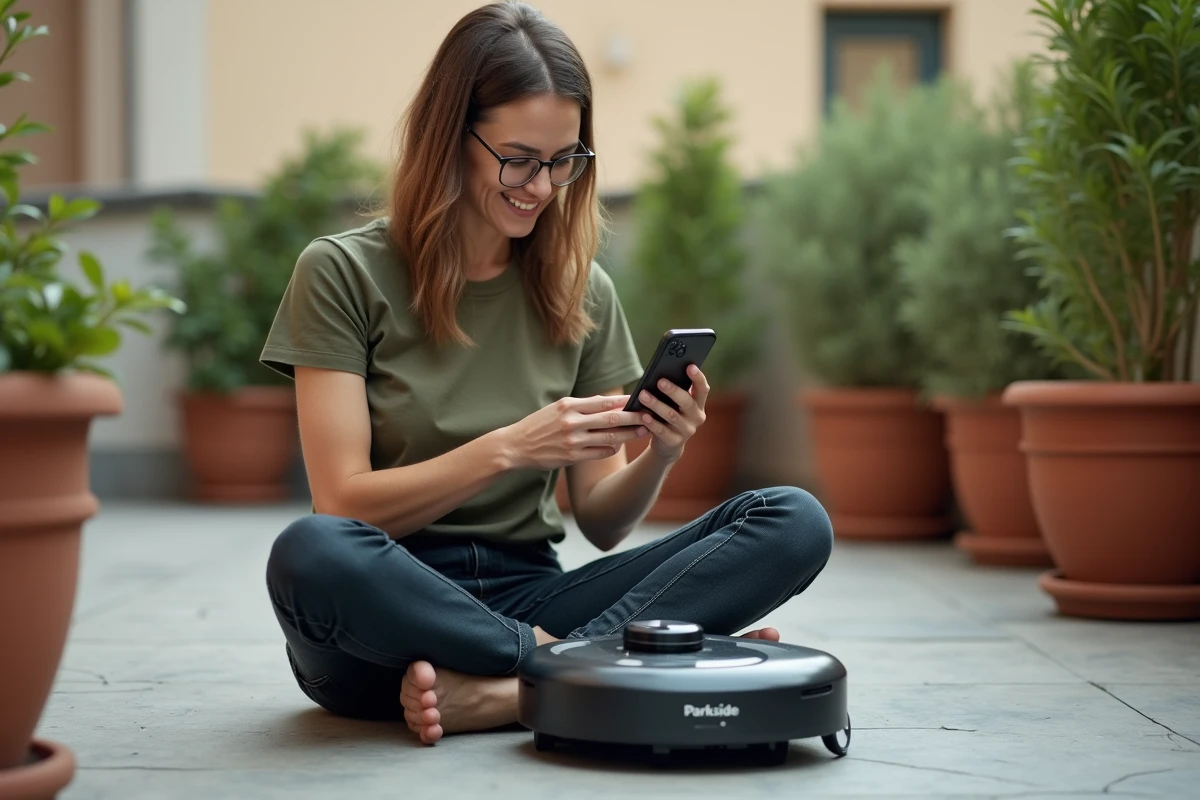
Software reset of the Parkside robotic mower: what the reset erases and what it retains
The most common confusion concerns the nature of the reset. On most recent Parkside robots, two levels of reset coexist, and their effects are not at all equivalent.
Partial reset from the control panel
The reset accessible via the LCD screen menu (or via the Parkside Smart app, depending on the model) restores the default mowing settings: schedules, cutting height, programmed days. This partial reset does not erase the memorized perimeter wiring or the PIN code. It is intended for cases where the robot exhibits erratic behavior after a setting change or an interrupted update.
Complete reset (factory reset)
Returning to factory settings erases all user configurations, including the PIN code and saved mowing zones. On some models, this operation requires a combination of physical buttons held for several seconds during startup. Others require going through the “Settings” menu and then “Restore factory values.”
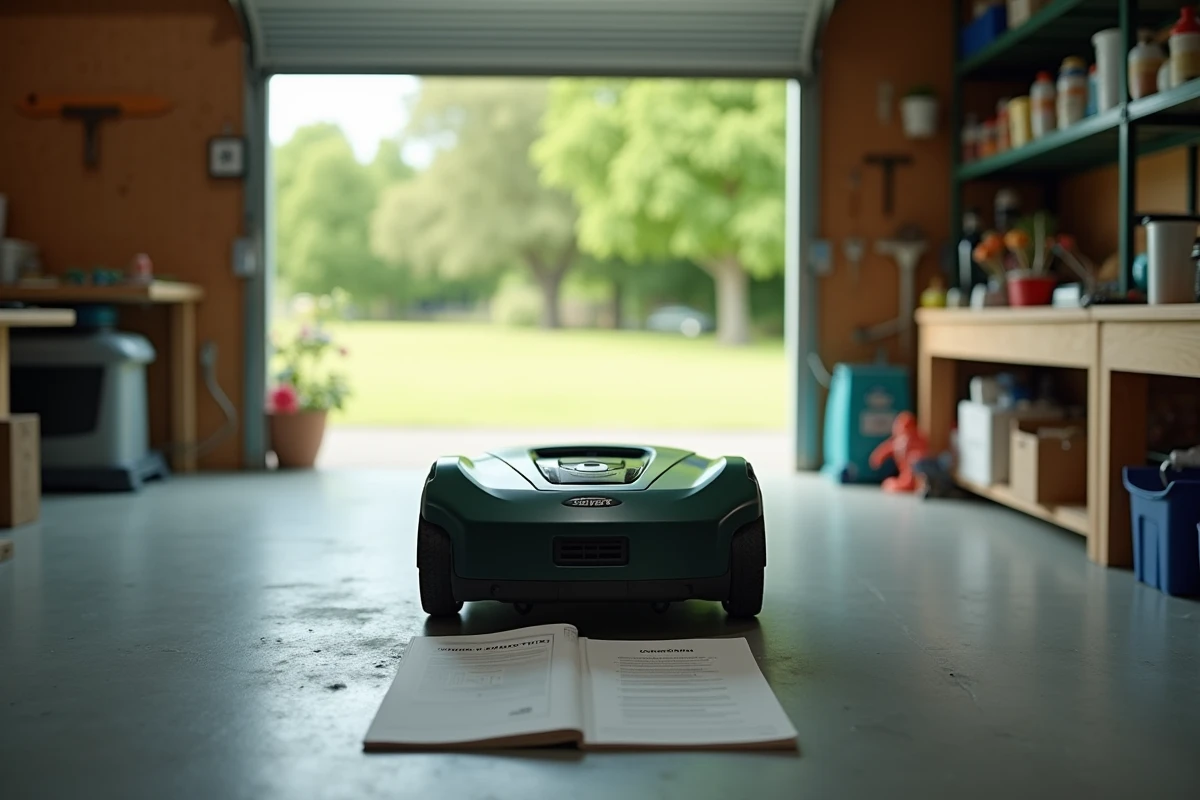
The exact procedure depends on the model number, and the paper manual supplied with the device remains the most reliable source. PDF manuals are also available on the brand’s customer service website.
Persistent errors after reset: why the reset is not always enough
One point that many guides overlook: the user reset does not erase the internal error log of the firmware. Recent robotic mowers, including those from Parkside, incorporate logging of hardware and software anomalies. Some error messages persist as long as the physical cause is not corrected, even after a complete return to factory settings.
A clogged shock sensor, a damaged peripheral cable, or a wheel stuck by compacted dirt generate codes that the reset cannot resolve. The robot then relaunches the same message at the first mowing attempt.
- Check the physical condition of the collision sensors and rain sensor before resetting, as sometimes a simple cleaning is enough to eliminate the error.
- Inspect the peripheral cable along its entire length: a cut, even partial, causes an intermittent signal that the robot interprets as a recurring failure.
- Ensure that the charging station displays a steady green light. A flashing green light indicates a break in continuity in the cable, and no software reset will correct this hardware defect.
In cases where the error persists despite these checks, only an intervention from customer service or a firmware update via the professional diagnostic tool can clear the internal log.
Reconfiguration of the perimeter after a complete reset of the Parkside robot
This point is often underestimated. After returning to factory settings, the robot must relearn the entire mowing perimeter. The latest Parkside manuals impose a relearning procedure that includes detecting distances from the peripheral cable and identifying fixed obstacles.
The temptation to “simply restart” the robot after the reset often leads to off-zone passages or repeated blockages against borders. Complete relearning takes between one and several mowing sessions depending on the size of the garden and the complexity of the layout.
- Place the robot back on its charging station and start the learning cycle from the main menu (the name varies by model: “Calibration,” “Zone Learning,” “Boundary setup”).
- Adhere to the minimum distances recommended in the manual: the cable should not overlap by less than a few centimeters, and the angles of the perimeter should not exceed the specified limits for the model.
- Mow the lawn by hand if the grass exceeds the maximum height tolerated by the robot before the first post-reset session, to avoid immediate blade jamming.
Forgotten PIN on a Parkside robotic mower: the limit of the standard reset
The PIN lock is a theft protection feature activated by default on recent models. A forgotten PIN blocks access to all functions, including the reset itself on certain generations of devices.
Field reports vary on this point: some users report having unlocked their device via an undocumented key combination, while others only found a solution by contacting Parkside customer service with their proof of purchase. The procedure for recovering the PIN is not standardized and depends on the warranty policy in effect at the time of purchase.
Keeping the PIN in a location separate from the robot, from the first setup, remains the only reliable preventive measure. Available data does not confirm the existence of a universal “master” PIN for the entire Parkside range.