The ENT Paris imposes systematic authentication for each connection, with no option for automatic saving of credentials. Access varies according to status: student, teacher, or parent. Some institutions apply time restrictions or specific rules for account creation.
Outages occur regularly when the site is heavily used, especially at the beginning of the school year. Despite these technical obstacles, all educational tools remain accessible as long as identification guidelines are followed.
What is the Paris digital class for and why should we be interested today?
Paris Classe Numérique has established itself as the reference platform for all public schools in the capital. Supported by the City of Paris and designed with the Academy, it brings together schools, colleges, and high schools in a single digital universe. The idea is simple: everyone—students, teachers, families—meets in a common space that centralizes procedures, communications, and resources.
When you want to access the Paris digital class, a whole range of services opens up to students: schedules, downloadable courses, notifications for school life, and also the possibility to consult official documents or quickly report an absence. Parents and teachers share the same environment for tracking results, direct exchanges, or understanding the academic path. Everything goes through this interface: information, secure messaging, resources, administrative procedures.
In the face of the proliferation of tools and the demand for rapid communication, the digital class has become an anchor point for institutions. No more getting lost between different portals: here, a single access point and functions tailored to each school user.
Key features: what ENTs change for students and teachers
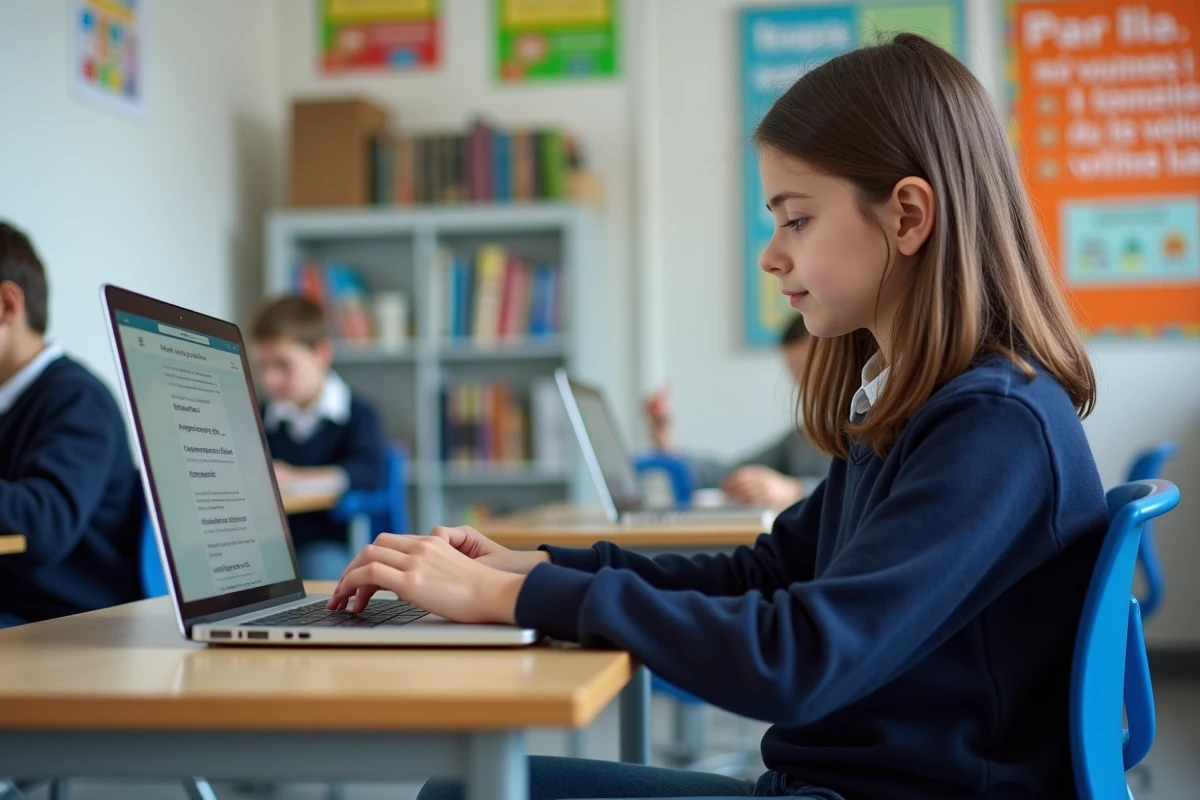
The ENT Paris Classe Numérique has profoundly changed the work rhythm for both students and teachers. Now, the digital backpack opens as much at home as at college or high school, and on all devices: computer, smartphone, tablet. The traditional digital notebook allows for a quick view of everything that needs to be done without the risk of misplacement. Submitted homework, courses to consult, documents uploaded by teachers—all become available in seconds.
The integrated messaging plays a central role: is a point in the lesson unclear? The student can ask their teacher a question without waiting until the end of the week. If a parent needs to inform the institution of a delay, the notification is sent instantly. Absentees are no longer left behind thanks to virtual classes, which allow them to follow or catch up on lessons remotely. Online resources and interactive exercises enhance students’ autonomy, providing them with tools to progress at their own pace, even outside school hours.
For teachers, the platform facilitates both the transmission of lessons and the development of shared projects. The class blog highlights the successes and creativity of the group. Regarding security, caution remains essential: all data is stored in France and its use is governed by GDPR rules. To help everyone take charge of the digital space, tutorials and personalized support are available, from practical guides to live technical assistance.

Access and navigation: simple steps to fully enjoy the platform
Accessing Paris Classe Numérique involves a precise procedure. Each student receives their personal credentials at the beginning of the school year, a username and a password, ensuring data confidentiality through a combination of letters, numbers, and uppercase letters.
Access can be done either via the official website or by installing the dedicated app available on iOS and Android. Using a recent browser (Chrome, Firefox, Safari) ensures smooth and secure navigation. Once logged in for the first time, the platform often requires choosing a new password for security reasons.
Here are the different steps to follow during the first setup:
- Go to the login page of Paris Classe Numérique
- Enter the username and password provided by the institution
- Choose a new password if the system requires it
- Adjust the dashboard display according to your needs
If the codes are ever lost, the recovery link sent by email allows for quick regaining of access. The interface easily guides users to messaging, grade tracking, educational resources, or managing school life. Have a question? The technical support team is ready to assist, while video tutorials guide newcomers step by step. Paris Classe Numérique is no longer just a portal: it is the true thread of the academic journey in Paris, from the first day to the final exams.